

To ensure successful cryptocurrency conversions on the exchange, make sure to set your exchange address exclusively. This applies only when you use addresses configured directly in the Dashboard and follow the specified setup method outlined above.
Before following this guide, make sure you have already configured your exchange (e.g., Binance) in BlockBee.
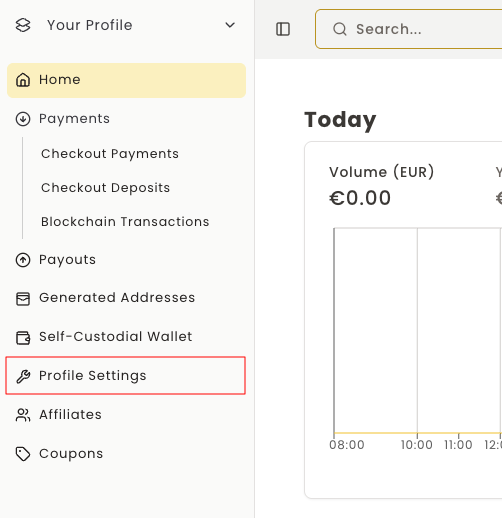
Step 1: Access Profile Settings
In the BlockBee's Dashboard, select your Profile settings. If you don't have already a Profile, you must create one. Then select the Settings.
Step 2: Navigate to Wallet Addresses
While in the Settings, under the Profile Settings section, choose Set Your Wallet Addresses.

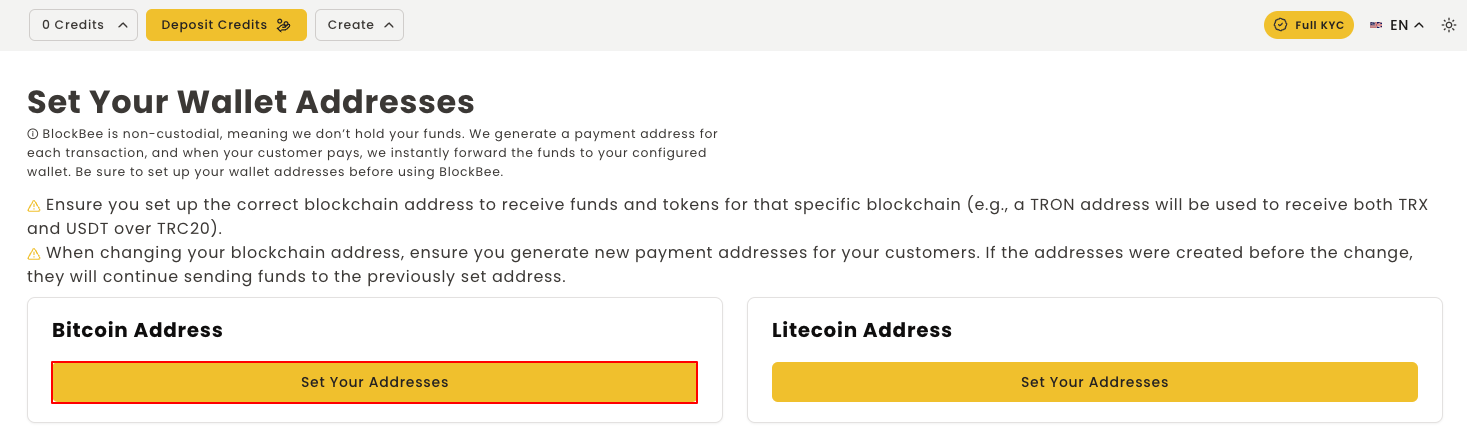
Step 3: Select Blockchain
Choose the blockchain/network which you wish to set the address for, and click the button Set Your Addresses.
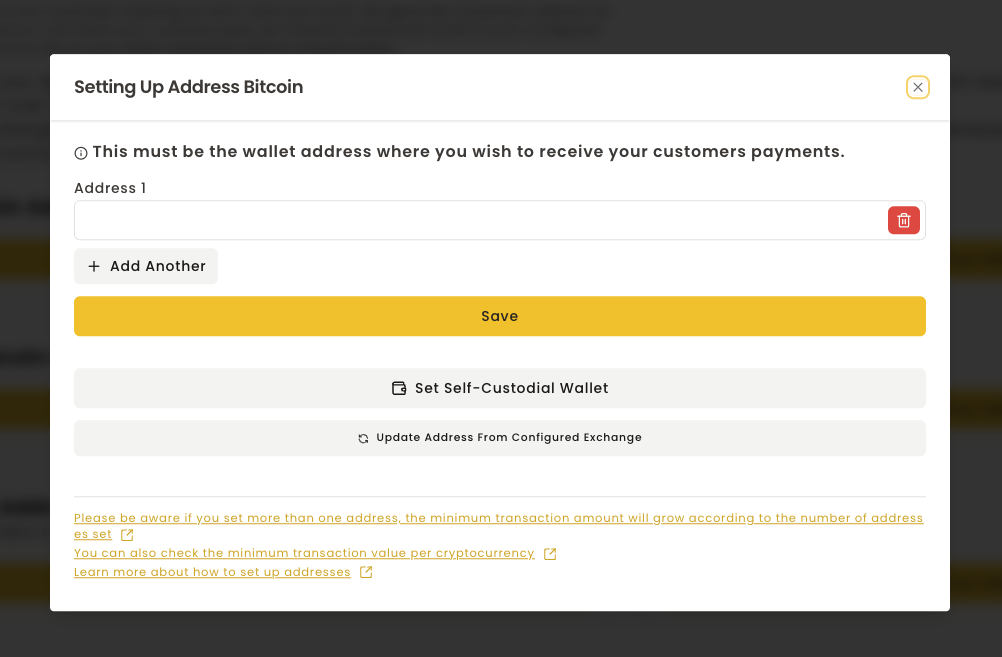
Step 4: Update From Exchange
After that you need to click the Update Address From Configured Exchange button. A pop-up will appear with a list of exchanges you have configured, and you must select the one you wish to use.
Important Notes
Important: Any address you had saved before will be replaced by the deposit address of your exchange.
Your exchange address is now automatically configured! This ensures that when using exchange automation rules, your cryptocurrencies will be properly deposited and converted on your exchange.