

When you create your BlockBee account, the first step is to create a new Profile. You can have multiple companies per account and each Profile has its own transactions and settings. This means you can use your BlockBee account to manage multiple Profiles if needed.
By default, if you complete the Onboarding process you will have already created a Profile. If you skipped the Onboarding process or just wish to create a new Profile, you can follow this tutorial.
Step 1: Access Profile Menu
To create a Profile, click the button on the top left of the Dashboard. It can say either Selected All or your current Profile name, and then click + New Profile.

Step 2: Fill in Profile Details
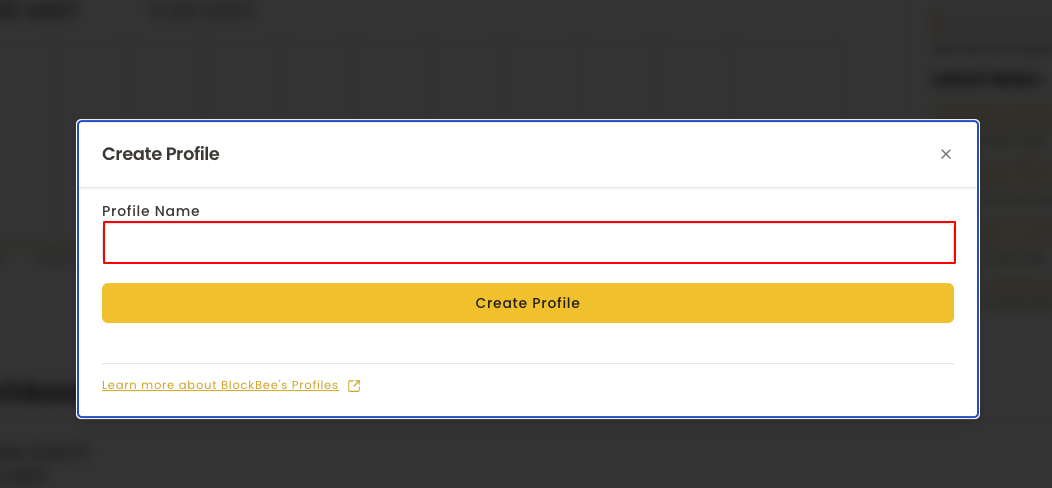
In the following form, type the name of your Profile, and click Create Profile.
Your new Profile is now created and ready to use! Each Profile maintains separate transactions and settings, allowing you to efficiently manage multiple businesses or projects from a single BlockBee account.