
BlockBee offers an innovative feature that enables you to convert your cryptocurrencies automatically directly from your exchange. This feature is especially useful for those who want to avoid the volatility of certain cryptocurrencies or would like to receive payment in a specific cryptocurrency but receive its value in another (for example, receive Bitcoin but convert it to USDT).
Overview
The process of using this feature is simple and doesn't involve any additional fees (although the exchange might charge some fees). To get started, all you need to do is:
- Obtain an API Key in your exchange account
- Set API Key permissions to allow trading
- Paste the API and Secret Key in our dashboard
Once this is done, you can begin setting up automation rules.
About Automation Rules
The automation rules are highly flexible, allowing you to set up different rules for each cryptocurrency received. You can select the cryptocurrency that you're receiving and automate its conversion to another one. For instance, if you're receiving payment in Litecoin, you can create an automation that will convert its value to USDT automatically.
Creating automation rules is rather simple. You need the From coin and To coin.
Step 1: Access User Menu
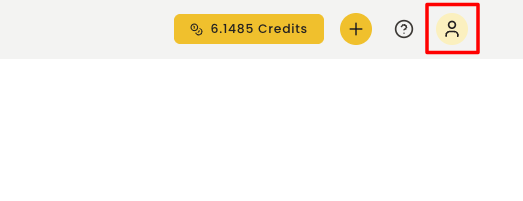
Go to BlockBee's Dashboard, select the user icon.

Step 2: Navigate to Settings
Select the "Settings" option.

Step 3: Open Exchange Automation Rules
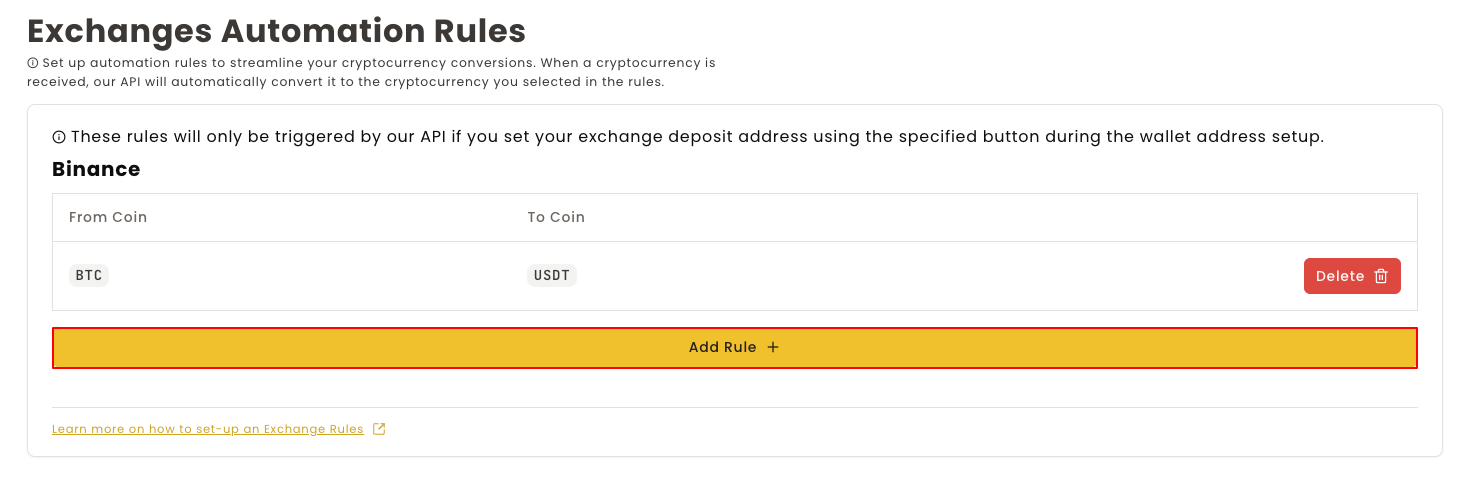
Select "Exchange Automation Rules".

Step 4: Add New Rule
Click Add a Rule.

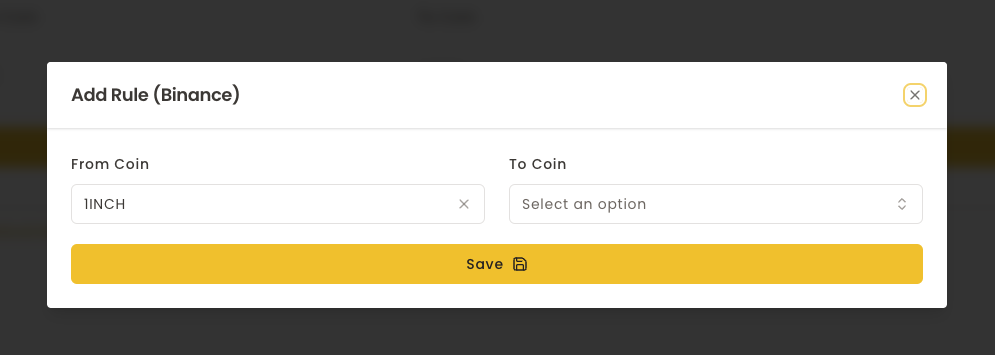
Step 5: Configure the Rule
Select the From Coin. When selecting a cryptocurrency in the From Coin list, it will update the To Coin options based on the exchange pairs. Then, select the To Coin.
Please remember, the cryptocurrencies in the To Coin box will change according to the From Coin selection.
After selecting the To Coin, click the Save button.

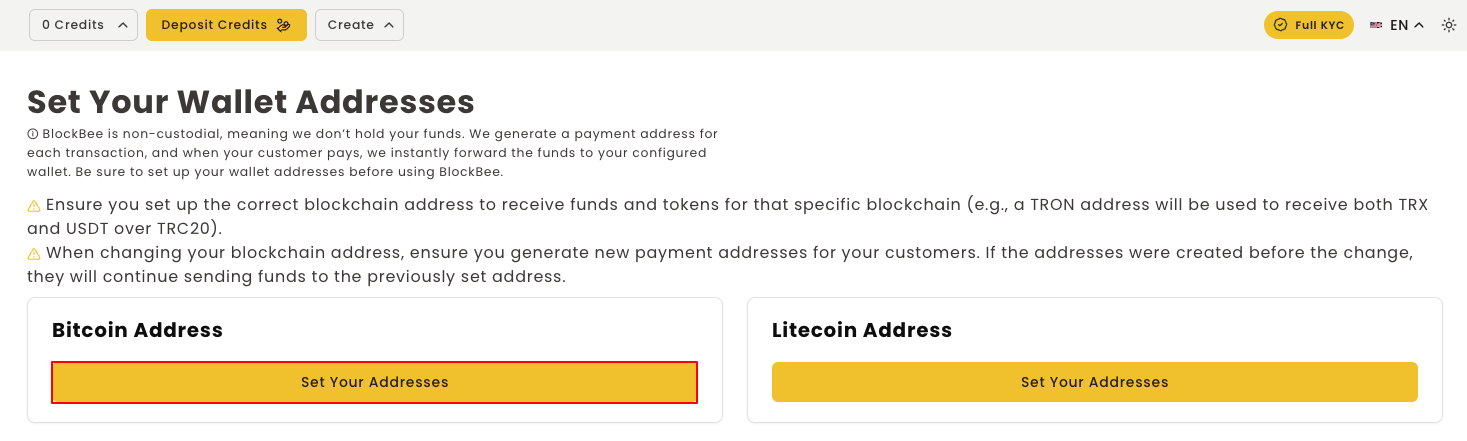
Step 6: Set Up Exchange Address
After setting up the automation rules, you must make sure you have the exchange cryptocurrency address set as stated in this article.
Important: It's crucial you follow this article exactly and not just paste your exchange address, otherwise the conversion won't be triggered.

Your exchange automation rules are now configured! Payments received in the From Coin will automatically be converted to your selected To Coin based on your exchange's available trading pairs.